
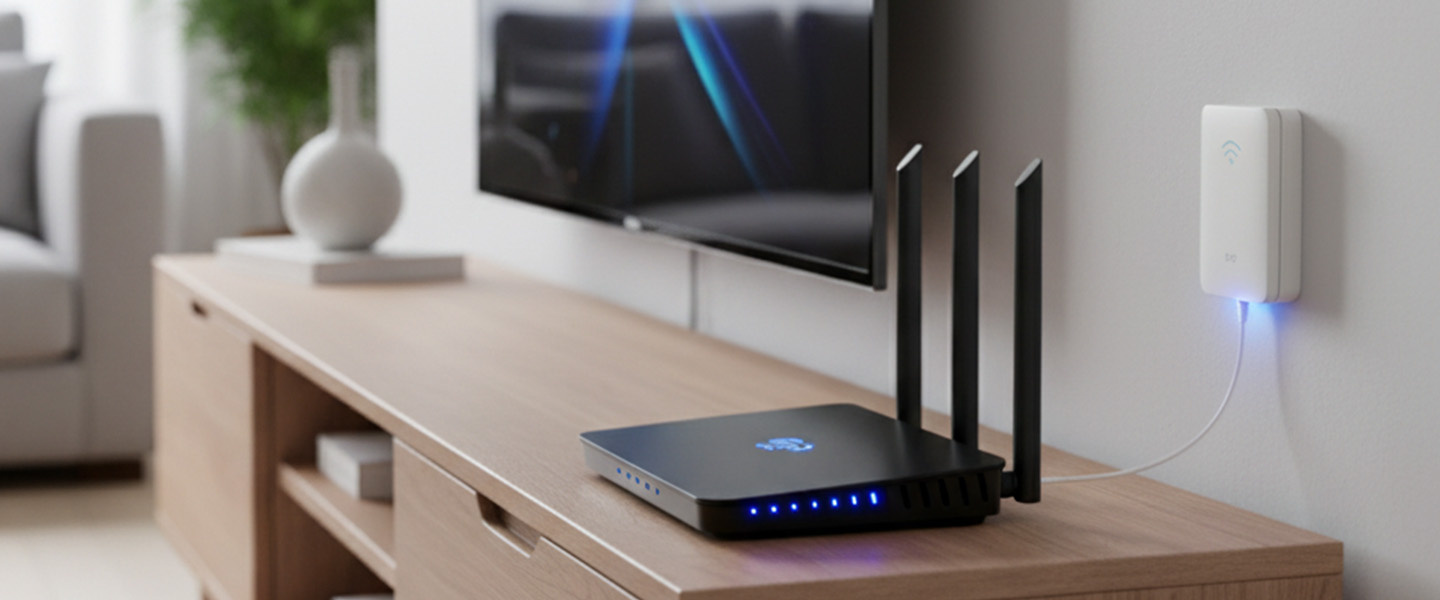
Buying a router becomes confusing when every product page treats more features as automatically better. The useful starting point is simpler: decide how the device will serve streaming, remote work, gaming, smart-home devices, and reliable coverage throughout the home, then compare only the specifications that affect those jobs. Price still matters, but so do comfort, support, compatibility, and the cost of owning the product for several years. Shoppers who want more background can consult helpful technology resources, but the final decision should stay tied to real usage rather than hype.
Five Router Brands and Systems to Compare
A practical comparison begins with home size, layout, internet speed, Wi-Fi generation, mesh need, Ethernet ports, and device count. Those factors create a much clearer shortlist than sorting by the newest model or the biggest headline number. The five companies or buying channels below represent different approaches to the category. They are not ranked from best to worst; use them as reference points for matching features, support, and ownership tradeoffs to your own priorities.
1. TP-Link
TP-Link offers standalone routers, Deco mesh systems, gaming-oriented models, and a broad range of Wi-Fi generations. It is useful for households that want many price points, but coverage should be planned around walls, floors, and router placement rather than a single advertised speed.
2. NETGEAR
NETGEAR sells Nighthawk routers and Orbi mesh systems for different home sizes and performance levels. Mesh can help in larger or more difficult layouts, while a single well-placed router may be simpler and less expensive for smaller homes.
3. ASUS
ASUS combines conventional routers, gaming features, security tools, and mesh-capable products. It suits buyers who like advanced settings, but the most important decision is still whether your home needs one router, multiple access points, or a full mesh system.
4. Linksys
Linksys has long focused on consumer networking and offers both traditional routers and mesh systems. It is worth comparing for households that want straightforward setup and broad device support without necessarily prioritizing gaming-specific controls.
5. eero
Amazon eero focuses heavily on mesh Wi-Fi and app-guided management. It can fit households that value simple multi-node coverage, though buyers should review port counts, subscription-linked features, and hardware placement before choosing a kit.
Plan Coverage Before Chasing Router Speed
Before paying, write down the three tasks the router must handle well and the two frustrations you most want to avoid. That simple list keeps optional extras from becoming false requirements. Use home networking resources as supplementary reading, then verify the exact model, warranty, compatibility, and return terms with the seller or manufacturer before checkout. If two options meet the same core need, prefer the one that is easier to own: simpler support, appropriate capacity, sensible accessories, and fewer compromises you will notice every day.
A second useful test is to compare the total setup rather than the product alone. Accessories, subscriptions, adapters, replacement parts, service plans, and future upgrades can change the real cost. Buying a slightly less ambitious device can be smarter if it avoids expensive add-ons or gives you a better fit for your routine.
Frequently Asked Questions
How do I know whether I need mesh Wi-Fi?
Mesh is useful when one router cannot cover distant rooms, multiple floors, or areas blocked by dense walls. If a centrally placed router already delivers stable speeds everywhere you work and stream, adding mesh may increase cost and complexity without solving a real problem.
Will a new router make my internet plan faster?
A router cannot exceed the speed your internet service provides, but a better router can reduce local Wi-Fi bottlenecks and improve coverage. If the problem is a slow service plan or congested provider connection, replacing the router alone will not fix it.
Where should I place my router?
Place it as centrally and openly as practical, away from large metal objects, dense obstacles, and enclosed cabinets. Elevation can help. In larger homes, placement of mesh nodes matters too; they need a strong enough connection to one another to extend coverage effectively.
Fix Coverage, Not Just Specifications
The strongest buying decision is the one you can explain in plain language: what problem the product solves, which features matter, and which features you deliberately ignored. Solve the coverage problem you have before buying the fastest router on the shelf. If you want another perspective before spending, network planning guidance can support your comparison, but the last check should always be your own workload, budget, and tolerance for compromise.


